
Download gReader Feedly News RSS APK – RSS Reader, News Aggregator, Podcast Manager, Offline Reading, Social Sharing
Overview
gReader is a desktop-oriented RSS reader designed to serve as a powerful alternative to the now-defunct Google Reader. Its primary purpose is to aggregate news, articles, and podcasts from multiple sources into a unified, user-friendly interface. The software enables users to stay updated with their favorite content providers, blogs, and media outlets without relying on a single platform. It is particularly suited for professionals, researchers, students, and content enthusiasts who manage large volumes of digital information daily.
By supporting integration with services like Feedly and The Old Reader, gReader offers flexibility in content sourcing, allowing users to maintain their existing workflows while gaining enhanced functionality. The app is especially valuable for individuals seeking a customizable, self-hosted or third-party service-compatible solution for managing online content. Real-world use cases include monitoring industry news, tracking academic publications, and organizing personal reading lists across diverse topics.
The developer did not provide additional background details. However, the software’s continued updates and support for multiple RSS platforms suggest an active development focus. Despite the closure of Google Reader, gReader has maintained functionality and evolved to support modern content delivery systems.
Key Features & Capabilities
- Multi-Service RSS Integration: Supports Feedly, The Old Reader, and other RSS platforms, enabling users to consolidate feeds from various sources into a single interface.
- Offline Reading: Allows users to download articles and podcasts for access without an internet connection, ideal for travel or low-connectivity environments.
- Podcast Support: Includes built-in podcast playback and management, allowing users to subscribe, download, and listen to episodes directly within the app.
- Content Sharing: Offers integration with social networks, enabling users to share articles with friends, colleagues, or followers with a single click.
- Third-Party Sync: Supports saving articles to services like Pocket and Instapaper for later reading or reference.
- Full Search Functionality: Provides comprehensive search across all saved and unread content, helping users quickly locate specific topics, keywords, or past articles.
These features collectively enhance content discovery and retention. For example, a researcher can download key papers for offline review, while a journalist might use the search function to locate previous coverage on a breaking story. The integration with external tools like Pocket ensures seamless workflow continuity across platforms.
User Interface, Workflow & Performance
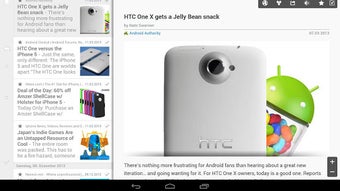
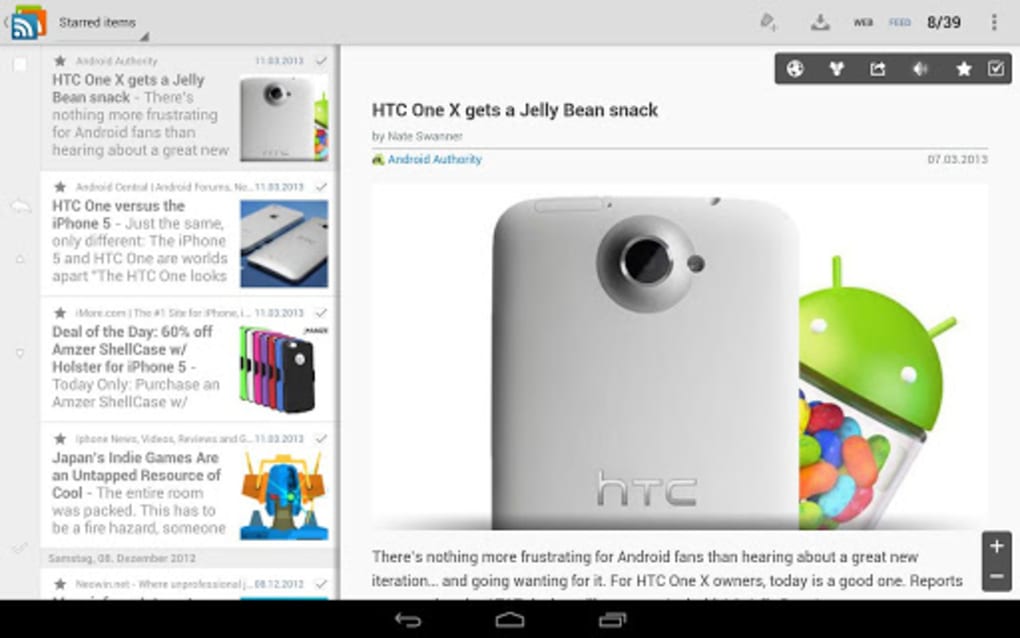
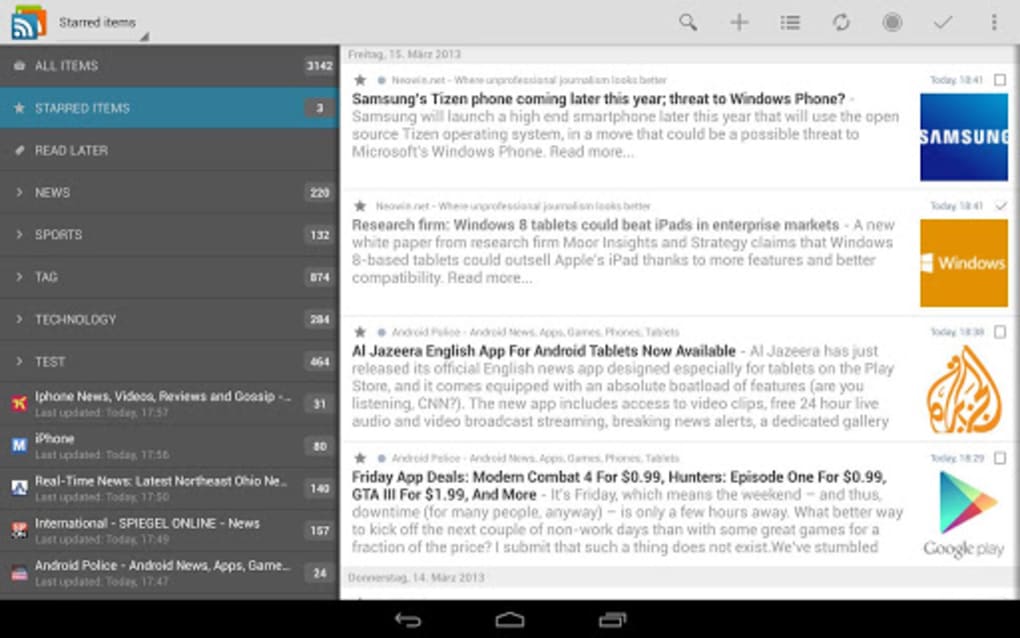
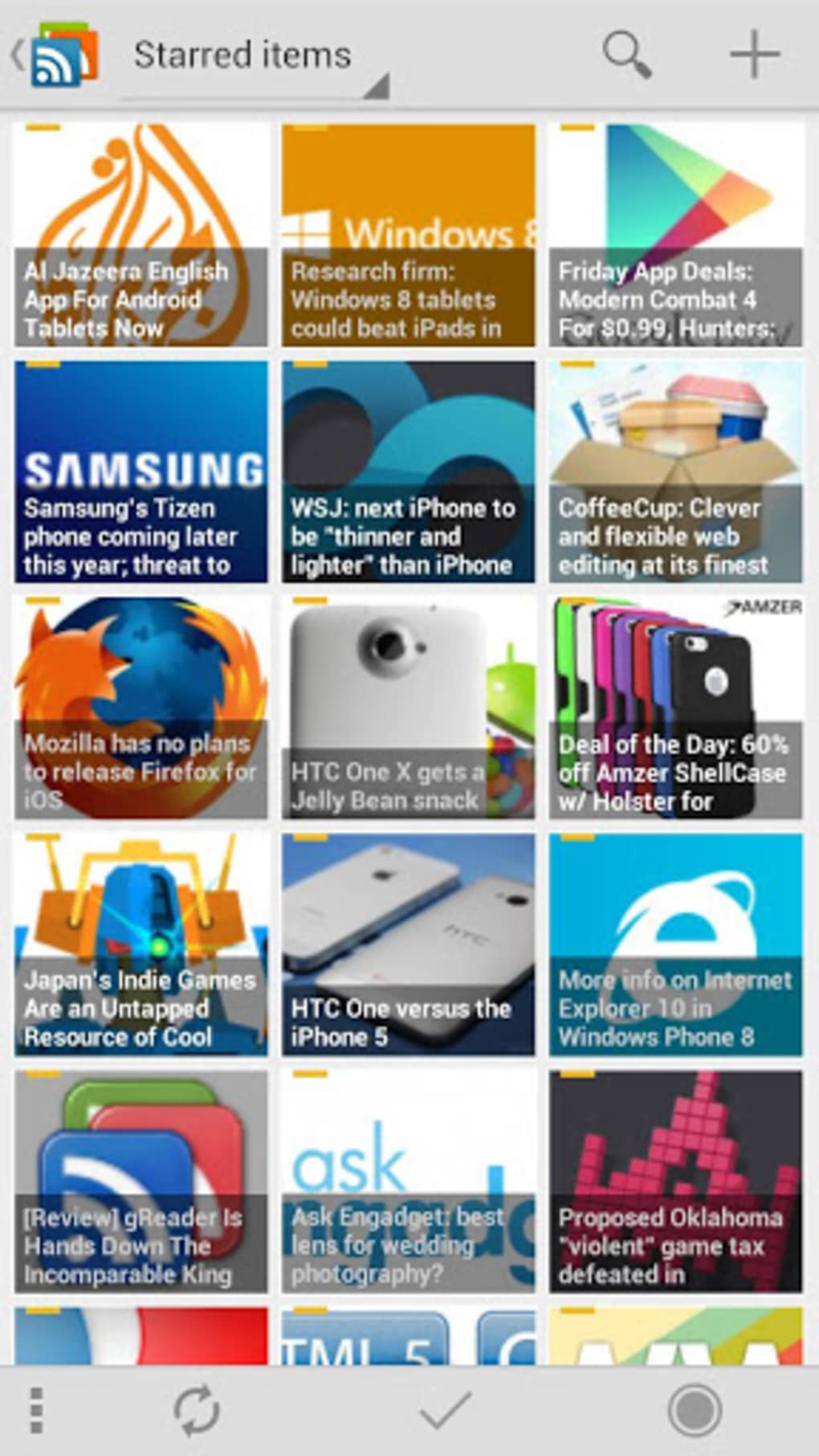
The user interface is structured to prioritize readability and accessibility, with a clean layout that separates feeds, articles, and media content. Navigation is handled through intuitive menus and tab-based organization, allowing users to switch between unread items, saved articles, and podcasts with minimal effort. The workflow is designed for efficiency, enabling rapid scanning of headlines, filtering by source, and quick access to detailed content.
While specific performance metrics were not provided, the software is built to handle multiple feeds and media files simultaneously. The developer did not specify resource usage details, so general behavior patterns are assumed. Stability appears to be maintained through regular updates, and the app’s ability to function offline suggests optimized data caching mechanisms.
Users can expect smooth operation when managing moderate feed volumes. However, performance under heavy load—such as hundreds of active feeds or large podcast libraries—may vary depending on device capabilities, though exact CPU or RAM behavior was not disclosed.
Compatibility & System Requirements
gReader is available as a desktop application compatible with Windows and Mac operating systems. The software version and installation size were not specified in the provided data. Platform compatibility information is limited to the two major desktop platforms, indicating broad accessibility for personal and professional users.
Exact system requirements were not listed. The developer did not provide details about minimum hardware specifications, such as processor speed, RAM, or storage space. As such, users are advised to ensure their systems meet general desktop application standards. Compatibility with older OS versions remains unclear.
Pros and Cons
Pros
- Strong support for multiple RSS platforms including Feedly and The Old Reader
- Robust offline reading capabilities for uninterrupted access
- Integrated podcast playback and management
- Comprehensive search functionality across all content
- Seamless sharing to social networks and third-party services
- Free to download and use, with no hidden subscription fees
Cons
- Exact system requirements and performance data were not disclosed
- Developer background and company information were not provided
- Resource usage under heavy load is unknown
- Limited public documentation on update frequency or long-term support
- Interface may require adjustment for users accustomed to mobile-first designs
FAQ Section
Is gReader compatible with Feedly and The Old Reader?
Yes, gReader is designed to work with Feedly, The Old Reader, and other RSS services, allowing users to sync their existing feeds across platforms.
Can I read articles offline with gReader?
Yes, the app supports offline reading, enabling users to download articles and podcasts for access without an internet connection.
Does gReader support podcast playback?
Yes, gReader includes built-in podcast support, allowing users to subscribe, download, and play episodes directly within the application.
Is gReader safe to download and use?
As a desktop application available through official channels, gReader is considered secure for users who download it from trusted sources. It does not require administrative privileges beyond standard installation.
Can I save articles to Pocket or Instapaper?
Yes, gReader integrates with Pocket and Instapaper, allowing users to save articles for later reading or reference through these external services.
Final Thoughts
gReader stands out as a capable and flexible desktop solution for managing digital content in the post-Google Reader era. Its multi-service compatibility, offline functionality, and podcast support make it a strong contender for users seeking a reliable RSS reader. The inclusion of full search, social sharing, and third-party sync tools enhances its utility for both casual readers and professionals.
While some technical details remain unspecified, the software’s active development and broad feature set suggest ongoing commitment to user needs. For individuals who value control over their information flow and want a customizable, secure, and efficient way to consume news and podcasts, gReader delivers a compelling experience.
Download gReader now






.png)
